

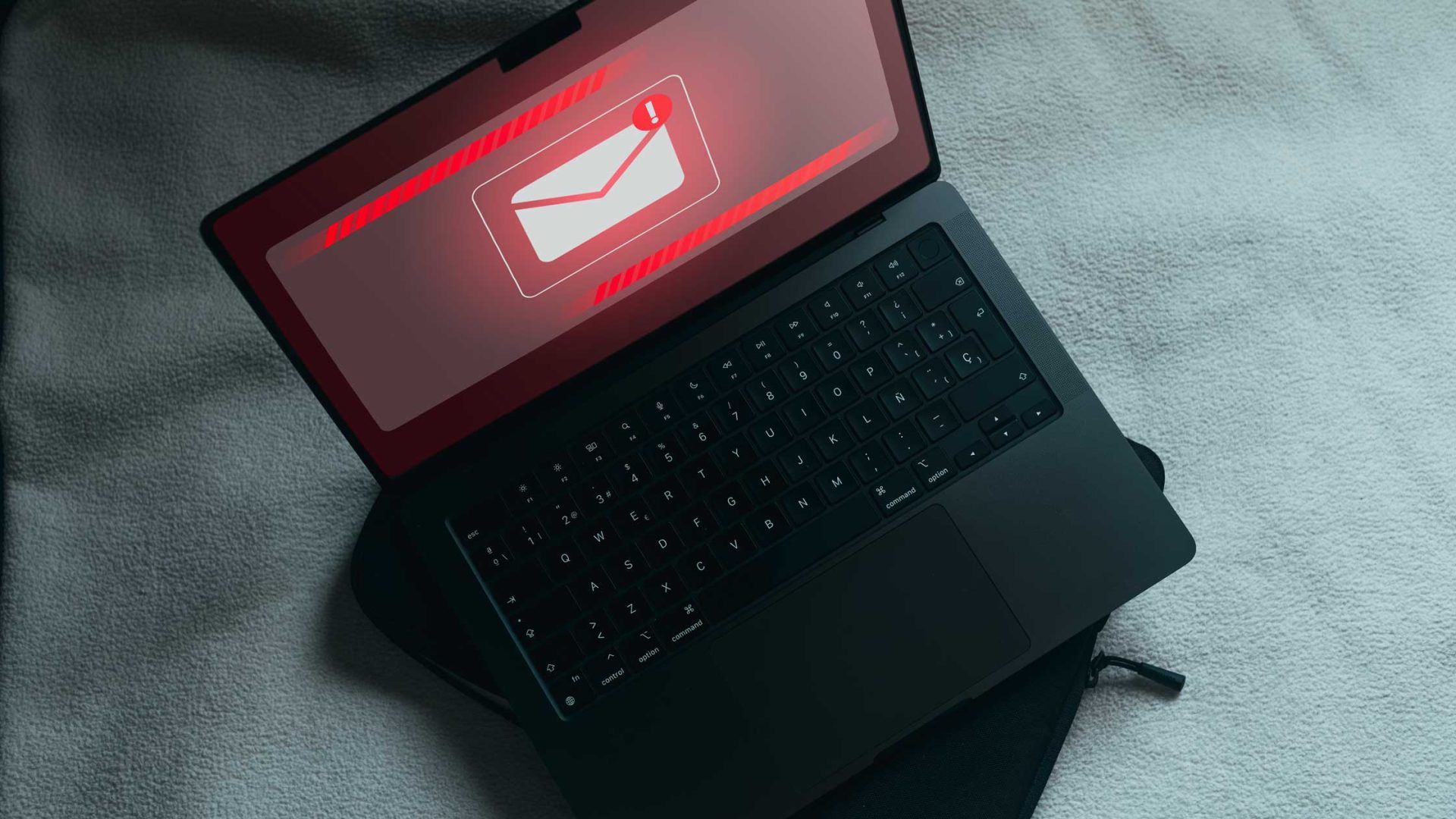
If you’ve been approached with some kind of scam recently, you’re far from alone. The Global Anti-Scam Alliance released its “State of Scams” report, which surveyed 46,000 people across the globe, and found that 57% of adults experienced a scam in the past year, with 23% reporting money stolen. The prevalence of these cases is particularly disturbing, now that advancements in technology — particularly those associated with Artificial Intelligence — have given scammers more sophisticated tools that make it difficult to detect when you’re being duped.
Here are a few of the scams experts say we need to look out for.
Phishing, Vishing, Quishing, etc
Phishing — a play on the word “fishing,” not a reference to the iconic jam band — is when attackers impersonate legitimate entities (such as banks or companies) via emails, texts (smishing), QR codes (quishing), or calls (vishing), to trick people into revealing sensitive data or downloading malware. (For the sake of brevity, we’ll just refer to all of them as phishing.)
Regardless of the tech format that is used, this form of deception is incredibly convincing. Most commonly, this kind of scam unrolls in a formulaic way: you receive an email (or text etc) that contains links to fake websites (that look totally legit) or have malicious attachments designed to steal data or install malware on your device. Or, as Netgain Technologies points out in their company-wide security awareness training, some scammers have started pasting their own QR codes over legitimate ones, so you unsuspectingly open the malicious site when you’re just trying to see a restaurant menu (please, for the love of humanity, bring back paper menus!!)
Or, for example, you’ve probably gotten one of those “USPS delivery” text messages, appearing to originate from a reputable source, such as Amazon. In these, you’re told that a package was unable to be delivered, and to “click here” to track said package or to pay for delivery in order to complete the transaction. (Never click links in unexpected messages, and if you get one of these, the real United States Postal Inspection Service asks that you report it to spam@uspis.gov.)
Many scams also use “spoofing,” or the cloning of actual phone numbers, email addresses, or website URLs in order to get you to think they’re a trusted sender. Now, with generative AI, audio and video deepfakes have added a further layer of sophistication to these phishing attacks. Scammers can convincingly pose as real entities like banks or government agencies, as celebrities hawking products, or even as family members using voice cloning — and then supply “evidence” that they’re the real thing.
The Fake Investigation of Fraud Scam
In the last year, I have received three different emails telling me that someone has used my Venmo account in a fraudulent manner. All I need to do, the scams say, is “click to speak with a representative and receive further instruction on how to resolve this matter.” Thankfully (as you’re probably anticipating), no such fraud had occurred. I was quickly able to log in to my account and see that no transactions had actually occurred, and even called Venmo directly once to make sure what I was seeing on my end was correct.
But you can imagine how easy it would be to panic for a second and click their link, thinking to yourself that time was of the essence. These fake investigation scams rely on our instinctive need to resolve any fraudulent activity as quickly as possible, knowing the nightmare that could be on the other end of a stolen identity.
Michael Wilson, a crime reporter for the New York Times, recently wrote about how he almost fell for the “Zelle-Chase Banking” scam, despite his in-depth knowledge of such schemes. In his case, the imposters spoofed the phone number of his local bank, and even offered to let him speak to a manager to verify their legitimacy. Luckily, he grew skeptical before he revealed any important information, but it is reassuring to know that even those naturally wary can be led down this path.
Tech Support Scams
The AARP reports that consumers aged 60 and older are five times more likely than their younger counterparts to lose money to tech support scams, which cost older Americans more than $2.4 billion in 2024, according to the Federal Trade Commission’s most recent report.
In these, scammers pose as tech support representatives from well-known companies, claiming that your computer has a virus or technical issue, and offer to fix it for a fee. This can look like a pop-up warning while you’re browsing the internet, a phone call from “support,” email alerts, or invoices for a tech support plan you’ve never purchased. Then, you’ll be prompted to call or click a link, and asked to download software that would resolve the issue.
In reality, the scammers gain remote access to your computer, steal personal information, and demand payment for unnecessary services. Sometimes, they will even say you’re owed a refund afterwards, and trick you into “accidentally” sending them money via Zelle, gift cards, or wire transfer, according to Connect Credit Unions’ alert to their customers.
How to Avoid Being the Next Victim
With the level of deception now possible with the download of an app, it is just as easy to fall for a scam as it is to develop an unhealthy paranoia. However, if you train yourself to remain reasonably wary, you should be able to keep yourself safe from these scams. We’ve compiled the recommendations from several sources on how to best protect yourself from becoming the next victim, including the Federal Bureau of Investigations, AARP, and a number of financial institutions (which benefit if their customers act as the first line of defense against financial fraud):
- Be skeptical. Be cautious of unsolicited emails, phone calls, or messages. If something seems too good to be true, it probably is.
- Distrust Urgency. Almost all of these schemes rely on social engineering, a form of psychological manipulation that tricks us into making mistakes. One way they do this is by creating a sense of urgency and then using that moment to trip us up. If anything insists that you “act immediately,” that’s a good sign to stop what you’re doing.
- Beware of Digital Red Flags and Common Verbiage. Sun Canyon Bank put together a helpful list of common scams with their accompanying “red flags” to look out for. Some common signs are generic greetings (“Dear Customer” instead of your name), mismatched URLs (hover over the links to see the real address to see if it matches the company’s official site), grammar/spelling errors, and any unusual requests (let’s face it: no one is offering to fix our computers for us.) Also, requests to pay via gift cards or crypto are major warning signs.
- Verify Identity. Don’t click on any suspicious links or phone numbers. Instead, go directly to the company’s website and independently investigate the issue. If you need to call, use a trusted number. (For example, if you need to check with your credit card company, call the number printed on the back of the card, not one you find online.)
- Guard Personal Information. Never give or send any personally identifiable information to unverified people or businesses.
- Beware of AI. This one is tough, and getting harder all the time, but you should always take a few moments to make sure whatever you’re interacting with is (or isn’t) generated with artificial-intelligence.