

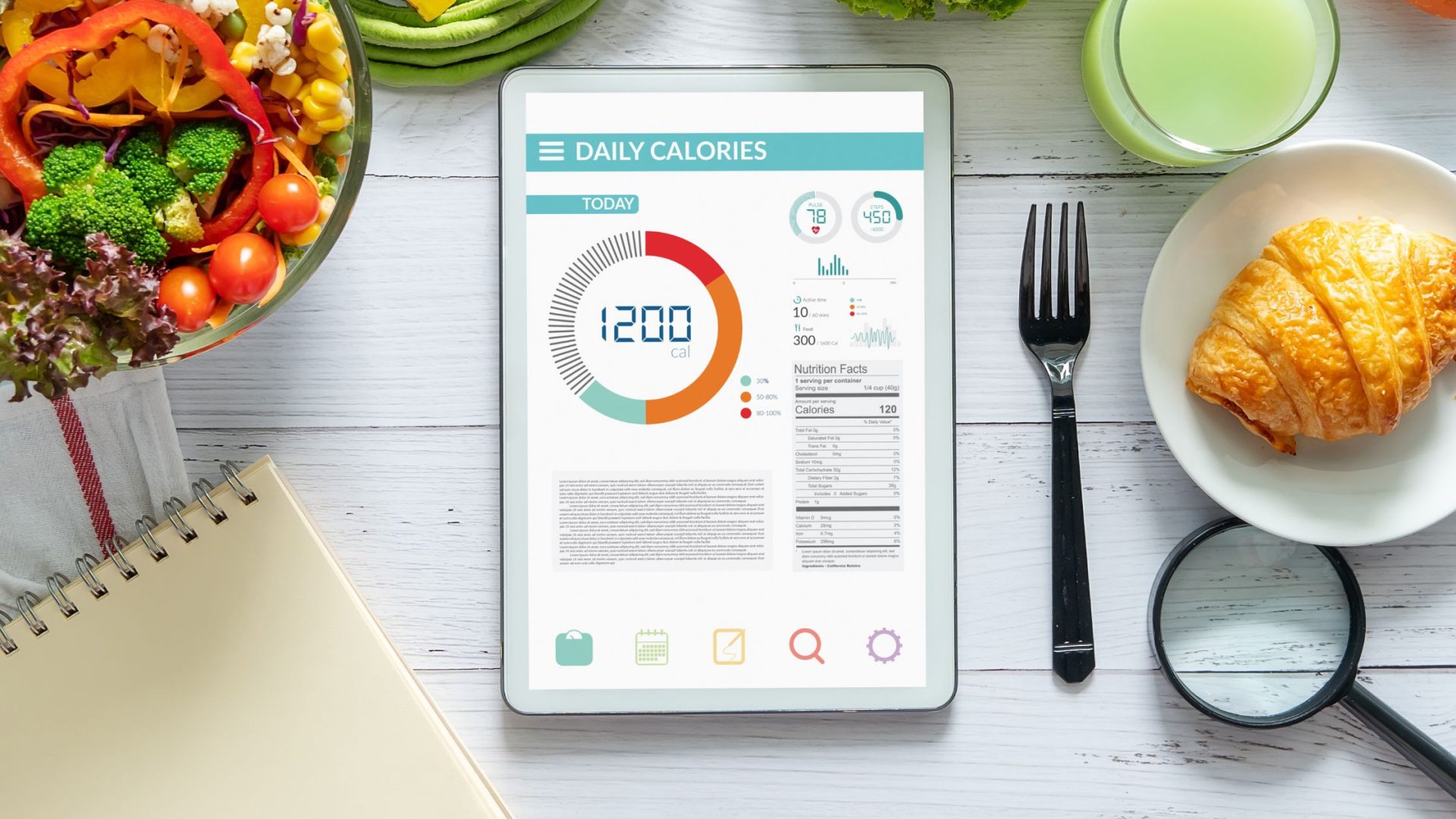
Understanding your eating habits is an essential part of staying healthy. Nutrition tracking can help you identify the aspects of your diet that need improvement and understand the impact your food choices have on everything — from your health to your energy, mood, appetite and even your sleep patterns. And if you’re looking to lose weight, a nutritional diary is a must; in one weight loss study of nearly 1,700 participants, those who kept daily food records lost twice as much weight as those who didn’t keep any records.
The downside is that tracking everything that passes through your lips is a royal pain in the tuchus. Thankfully, nutrition tracking apps can make this Herculean task much easier. Not all apps are built the same, though, so here are a few of our favorites so you can decide if they’re right for you.
General Nutrition Tracker Selection Tips
If you’re looking to track what you eat, odds are that you (or your doctor) have a goal in mind. (No one does this just for fun, right?) Some apps offer a greater variety of goals than others, such as losing weight, cutting back on sodium or managing a health condition. Pay attention to what options an app offers before you jump on board.
It’s also a good idea to look for a nutrition tracker with a large food database, so you won’t have to manually input your meals. Some apps include a barcode scanner that makes some foods much easier to log. The easier, the better, as ease of use will increase the likelihood that you’ll make food tracking a regular habit.
MyFitnessPal
Rated the Best Overall Nutrition Tracking App by the Good Housekeeping Institute Nutrition Lab, MyFitnessPal is pretty much the gold standard. Its database includes over 20 million verified foods, and there’s an easy way to save your own recipes for quicker logging and meal planning. You can also import recipes from other websites or select meals served by popular restaurants, and the app will calculate the nutritional information. (If you like to dine out, this is huge.)
MyFitnessPal also has one of the most user-friendly interfaces. Having used it myself for several years, I do find it easy to toggle between screens to track macronutrients (proteins, carbohydrates and fats), micronutrients (vitamins and minerals), water, exercise, steps and more.
If you’re willing to shell out the money for a premium membership ($20 per month, or $80 for the year), the app also offers VIP support, an ad-free experience, and that barcode scanner for pulling in food data from packaged goods. (This used to be part of the free service, but no longer.)
Although MyFitnessPal is generally good overall, it does have a few small downsides. For one, it only allows you to track a few basic vitamins and minerals. Secondly, some of the nutritional information in its massive database has been uploaded from users and therefore can’t be verified. You can easily avoid those foods by only selecting the ones with a blue checkmark next to the entry (which indicates verification from the app), however, and you can filter the search results by verification as well.
MyNetDiary
MyNetDiary often comes a close second to MyFitnessPal in nutrition tracker ratings, and it offers many of the same perks. It also has a large database of foods and an easy-to-navigate user interface. Dietitians associated with Women’s Health magazine ranked this app “Best For Beginners” in their Best Food Tracking Apps of 2024 list, and our friends at Good Housekeeping rated MyNetDiary as the “Best Free” nutrition tracker.
While MyFitnessPal is great for overall nutrition tracking, MyNetDiary is a bit more goal-focused. When you start the program, the app asks you to select a diet that fits your lifestyle (as in: low-carb, keto, vegan, calorie counting, etc.), and then guides you to set weekly targets. In reviews, users have said that they found the app useful for creating more balanced meals and helping to regulate portion sizes, along with monitoring sodium and saturated fat intake.
One of the biggest perks with MyNetDiary is that the free version includes full access to many special features that other apps save for premium subscription versions (like a barcode scanner!). If that’s not enough, their premium plan ($9 per month, $60 for the year) upgrades you to custom nutrient tracking and an AI meal scanner: You snap a photo of your plate, and the app identifies everything from toppings to sauces for easy logging.
Cronometer
Unlike many other popular nutrition trackers, Cronometer claims that all food submissions get verified for accuracy before being added to its database. Although this makes for a smaller database (with 1.1 million verified food entries), the app can promise a higher degree of nutrition tracking accuracy.
Cronometer also sets itself apart by focusing on the tiny details, even in the free version. Easy calorie tracking, tracking of up to 84 nutrients and compounds, and the coveted barcode scanner are all included in the free version. If you choose to upgrade ($11 per month, $60 for the year) the perks include an ad-free experience, custom charts, a recipe importer, macro nutritional targets settings, and the ability to log intermittent fasting windows and integrate other health apps for a more in-depth, holistic view of your health journey. In addition, there is a pro version for health care providers, so if your doctor or dietitian is a subscriber, you can easily send them your data for further assistance, feedback and monitoring.
Top image: asiandelight from Getty Images, via Canva.com
More Stories You May Enjoy:
- 5 Foods Baby Boomers Should Eat for Healthy Aging
- Hungry? Try These ‘Snacks’
- Our 5 Favorite Restaurant-finding Apps